

Manual offboarding is a high-stakes gamble. When an employee leaves an organization, the window between their departure and the formal revocation of their access represents a significant "control gap." In a Microsoft 365 environment, this gap often stays open far longer than security policies allow. Relying on an IT ticket that might sit in a queue for 24 hours is no longer a viable strategy for compliance-focused organizations.
Securing the digital perimeter requires more than just "disabling an account." It requires a systematic, tamper-resistant process that removes access across all domains and generates proof of that removal immediately. For organizations subject to SOX or SOC 2 audits, "eventually" is not a timeline; "instantly" is the requirement.
The Invisible Threat of Ghost Accounts in Microsoft 365
Microsoft 365 is the operational heart of most modern enterprises. It houses financial data in Excel, strategic plans in PowerPoint, and sensitive communications in Teams and Outlook. When a user is terminated but their account remains active, they become a "ghost." These accounts are prime targets for external attackers and represent a massive insider risk.
The problem is compounded by the complexity of the Microsoft ecosystem. Disabling a user in Entra ID (formerly Azure AD) is only the first step. You must also consider:
- Active sessions that may persist for hours after an account is disabled.
- OneDrive and SharePoint permissions that remain linked to the identity.
- Third-party SaaS applications that use M365 for Single Sign-On (SSO).
- License costs that continue to accrue for inactive users.
Failure to address these points leads to orphaned accounts: the leading cause of "offboarding logical access removal" failures during security audits.
Why Manual Offboarding Is a Compliance Liability
For mid-market companies aiming for SOX or SOC 2 compliance, manual processes are difficult to defend. Auditors do not look for "best efforts"; they look for "enforced controls" and "traceable evidence."
A manual checklist managed by a human is prone to error. A busy sysadmin might disable the account but forget to wipe the mobile device or revoke the O365 license. More importantly, manual processes rarely produce the level of granularity required for offboarding SOX logical access audits. You need a record that proves who requested the termination, when the access was removed, and what specific actions were taken across the environment.
How to Automate User Deprovisioning in Microsoft 365: The Technical Blueprint
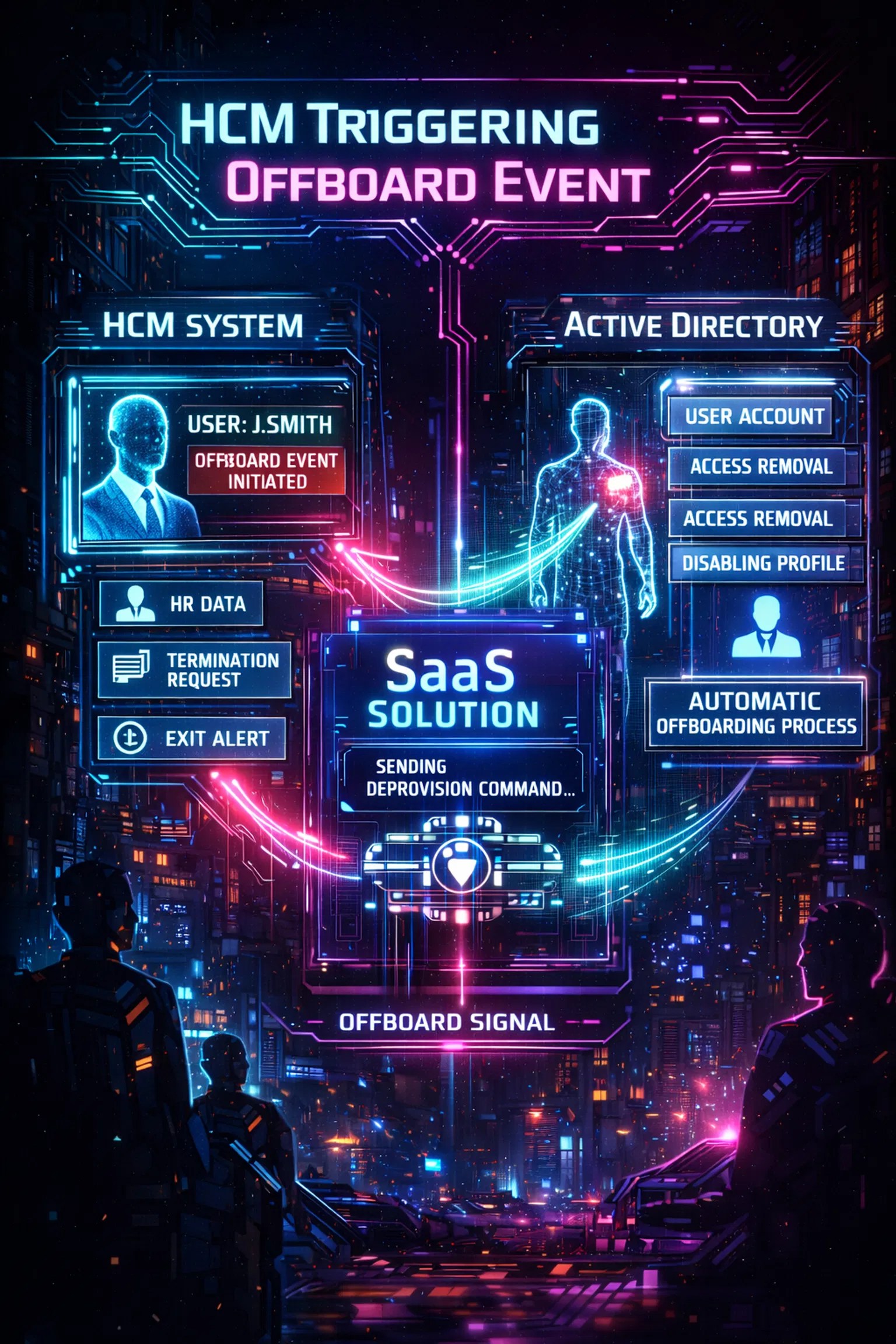
To achieve true automation, organizations must move away from reactive ticketing and toward an HR-as-the-authoritative-source model. This ensures that as soon as a termination is processed in the Human Capital Management (HCM) system, the technical deprovisioning sequence begins.
Step 1: Establish the HR Source of Truth
The first step in how to automate user deprovisioning in Microsoft 365 is connecting your HR system directly to your identity provider. Whether you use Workday, BambooHR, or a custom database, the HR record must be the "kill switch." When a "Status" field changes to "Terminated," it should trigger an API call to your offboarding platform. This eliminates the delay caused by manual handoffs between HR and IT teams.
Step 2: Orchestrate the Kill Switch
Once the trigger is received, the orchestration layer must execute a series of high-stakes actions. This is not just about blocking sign-in. A robust automated workflow should:
- Disable the account in Entra ID: Instantly stop new authentications.
- Revoke all active refresh tokens: Force-kill any active sessions on mobile or web browsers.
- Remove security group memberships: Strip the user of permissions to sensitive folders and applications.
- Reclaim licenses: Stop the billing clock for that user.
- Notify stakeholders: Send a confirmation to Security and HR that the user has been fully deprovisioned.
Step 3: Capture the Evidence
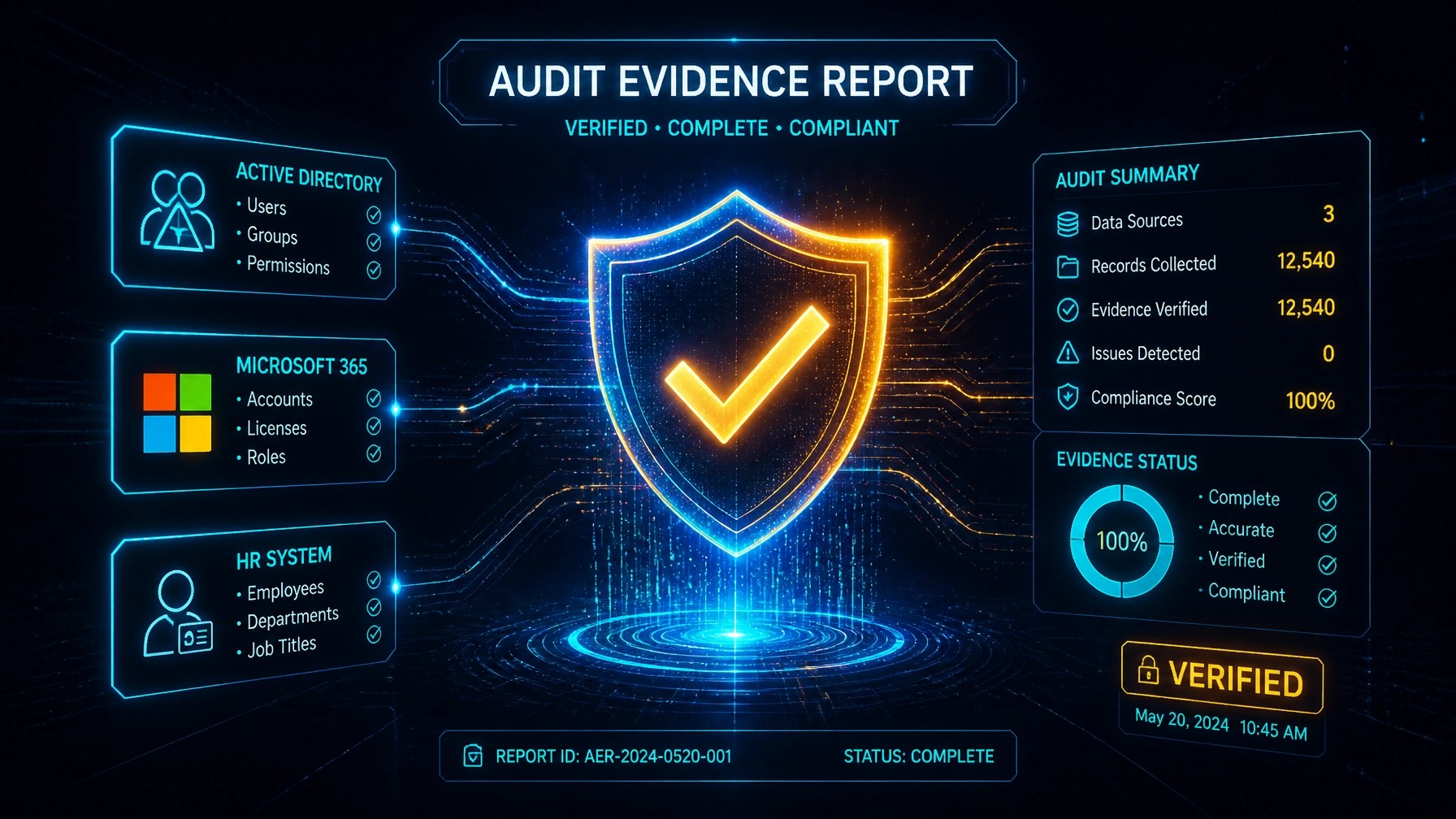
Automation without logging is only half a solution. Every step in the deprovisioning sequence must be documented in a tamper-resistant format. This "evidence capture" is what transforms a technical task into a compliance asset. Your system should generate a report that includes the exact timestamp of each action, the success status, and the authoritative trigger ID from the HR system.
Bridging the Gap: Where Native Microsoft Tools Fall Short
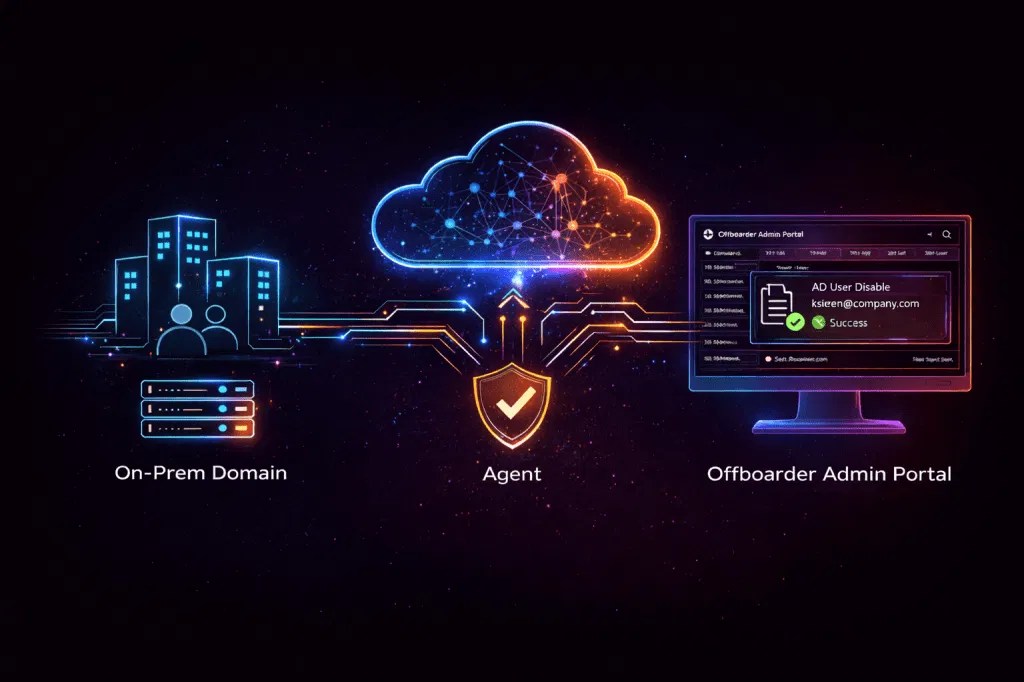
While Microsoft provides native tools like Entra ID Governance, these often come with steep licensing costs and complex configuration requirements that lean security teams struggle to manage. Furthermore, many organizations operate in a hybrid reality where they must also disable Active Directory user automatically on-premises while simultaneously deprovisioning in the cloud.
Native tools often struggle with:
- Multi-domain complexity: Matching identities across different domains with varying naming conventions.
- On-prem synchronization: The delay between disabling a cloud account and having that change reflect in a local Active Directory via AD Connect.
- Audit-readiness: Sifting through raw JSON logs in the Azure Audit logs to find proof of deprovisioning is time-consuming and difficult to present to an auditor.
A specialized platform like Offboarder provides a lightweight on-prem agent that bridges this gap, ensuring that both cloud and local identities are secured in a single, unified workflow. Organizations looking for a streamlined approach can explore Offboarder's use cases to see how this works in practice.
Offboarder: The Automated Standard for SOX and SOC 2
The platform was designed by cybersecurity professionals who understand the pain of "evidence collection." Offboarder simplifies the entire offboarding lifecycle by standardizing how access is removed. By using an HR-triggered approach, the platform ensures that no account is missed and no human error introduces a security vulnerability.
Key benefits of adopting an automated approach include:
- Speed: Access is revoked in minutes, not days.
- Consistency: Every employee is offboarded using the exact same, auditor-approved workflow.
- Proof: Instant generation of audit-ready evidence that satisfies ISO 27001, SOC 2, and SOX requirements.
- Governance: Clear visibility into the status of every terminated employee across the entire organization.
For companies managing 1 to 5,000+ employees, the cost of a single missed offboarding event: whether in terms of a security breach or a failed audit: far outweighs the investment in automation. Transparent pricing for Offboarder makes it accessible for startups and enterprises alike.
Employee Offboarding Best Practices for Compliance
To maintain a strong security posture, organizations should adopt these employee offboarding best practices:
- Automate by Default: Remove the human element from the critical path of access removal.
- Use Identity Matching: Ensure your system can link HR records to multiple accounts (e.g., matching "j.doe@company.com" to "admin_jdoe" in a sub-domain).
- Perform Regular Access Reviews: Automation should be supplemented by quarterly reviews to catch any accounts that may have bypassed the standard process.
- Secure the Evidence: Store offboarding logs in a centralized repository that is separate from your primary identity store.
Strong logging helps turn activity into accountability, providing the "paper trail" that auditors demand.
Conclusion
The manual era of offboarding is over. The risks associated with "ghost" access in Microsoft 365 are too high, and the compliance requirements for SOX and SOC 2 are too stringent to rely on spreadsheets and tickets. By automating user deprovisioning through an HR-triggered platform, you protect your data, satisfy your auditors, and free your IT team from the burden of manual checklists.
Ensuring timely termination of logical access is not just a technical requirement; it is a foundational pillar of modern corporate governance.

Leave a Reply